 Testing the LED bars with a webcam
The LED bars are hard to test from software, so the laptop webcam does it. A small JBang tool, tools/LedCam.java, talks to a board over serial and films the result with ffmpeg. Frame differencing uses the Java Vector API; the camera, not the arithmetic, sets the speed.
Finding the CoreS3 bar
The CoreS3 has no documented bar pin, so a test sketch (tools/ledtest, environment cores3) drives the first pixel on every M-Bus and Grove pin in turn, showing red, green and blue, while the camera compares each frame with a dark baseline. The first sweep covered 20 candidate pins: GPIO 5 (M-Bus pin 8) scored 65 against a noise floor of 38 to 41 for every other pin, and the frame showed the bar's base glowing. A second sweep with a better score ranked it first as well. The Core2 bar sits on the same M-Bus pin, which fits.
Checking every layer colour
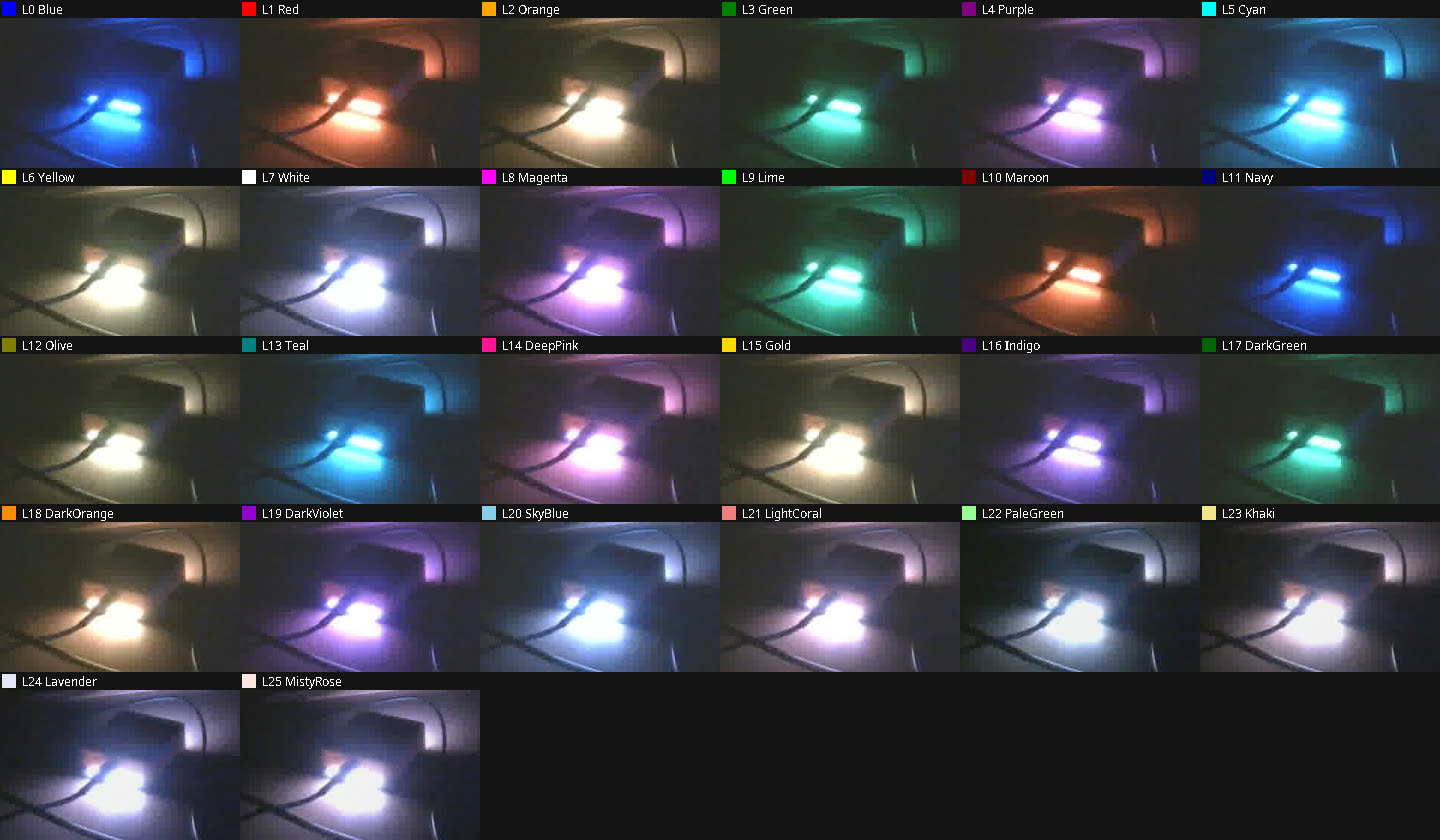
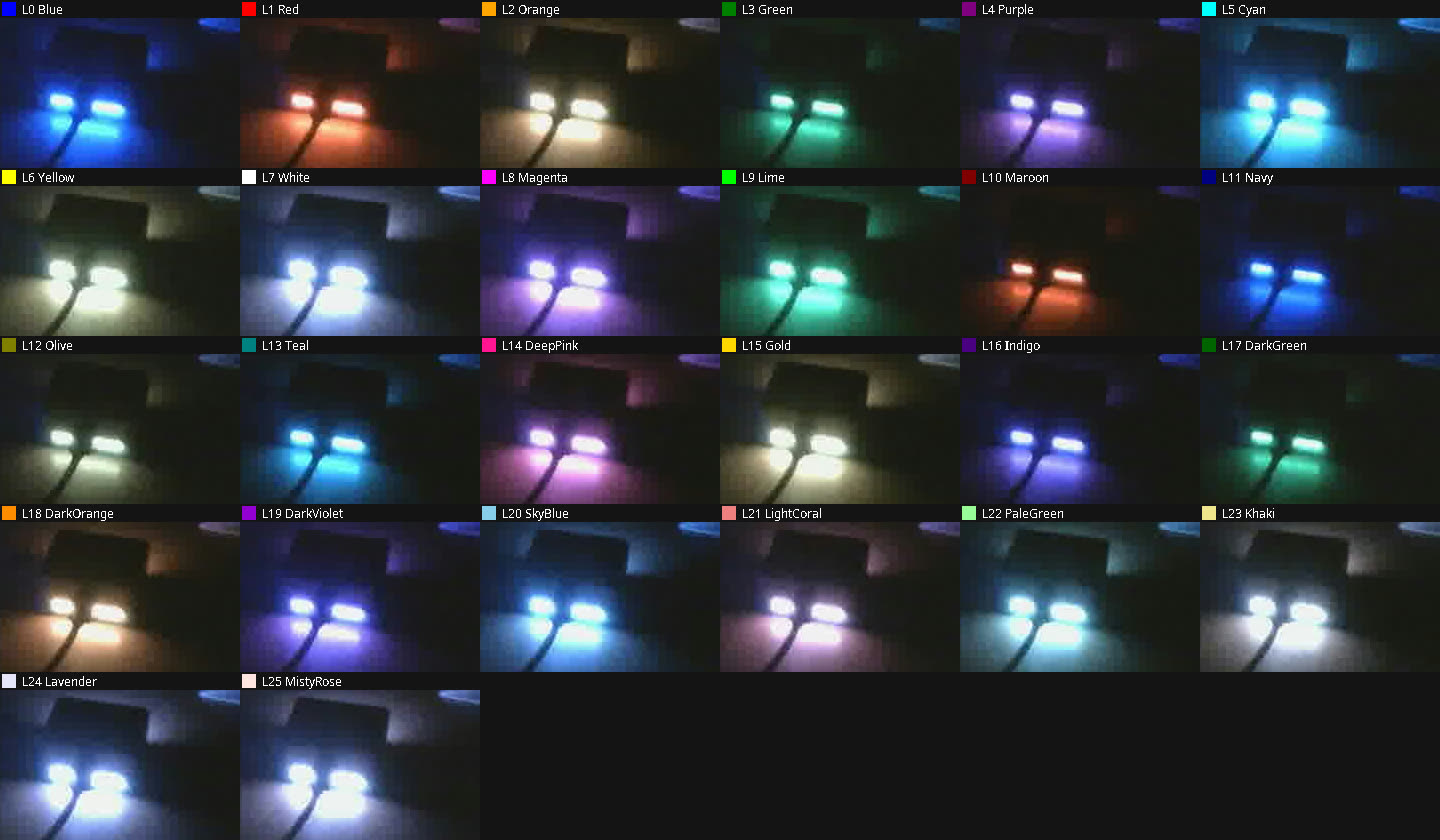
The tool then cycles LAYER 0 to LAYER 25 on each board and films the bar. The contact sheets below put every frame next to a swatch of the colour the firmware was asked to show. All 26 layers come out with the right hue on both boards. Dark colours (Maroon, Navy, DarkGreen, Indigo) are dimmer, as they should be. Pale colours (PaleGreen, Khaki, Lavender, MistyRose) look blue-white because the camera's white balance shifts when the bar is the only light in the room. The numeric check is weak (the glow is only a few brightness levels), so the verdict comes from looking at the sheets.
Core2
CoreS3
Not covered yet: the Locks page colours (caps orange, num green, scroll blue, and the additive mix when several are on).