 Nachtgespenst
What it does
Nachtgespenst turns an M5Stack touchscreen into a programmable HID device. The screen shows one grid of tiles per layer; tapping a tile sends the matching HID report to the host computer. There are 26 layers and a Locks page, shown on both devices.
- Keys, chords and media. Keyboard and consumer-control bindings, including Ctrl/Shift/Alt/Win chords and the Meh and Hyper modifier sets.
- Bluetooth LE and USB. Both boards speak BLE HID (NimBLE). The CoreS3 also enumerates as a USB keyboard and can route keys over USB, BLE, or both.
- Host feedback. The Locks page shows Caps, Num and Scroll Lock as the host reports them, and the LED bar mirrors them.
- Colour-coded keys. Keycap colour and legend are drawn in software, so they can differ on every page: tiles are coloured by kind of key and by modifier (Ctrl olive, Alt purple, Win teal), shifted legends are yellow, and each key can show an icon, a caption or a modifier badge. Physical keycaps and their printed legends cannot do that.
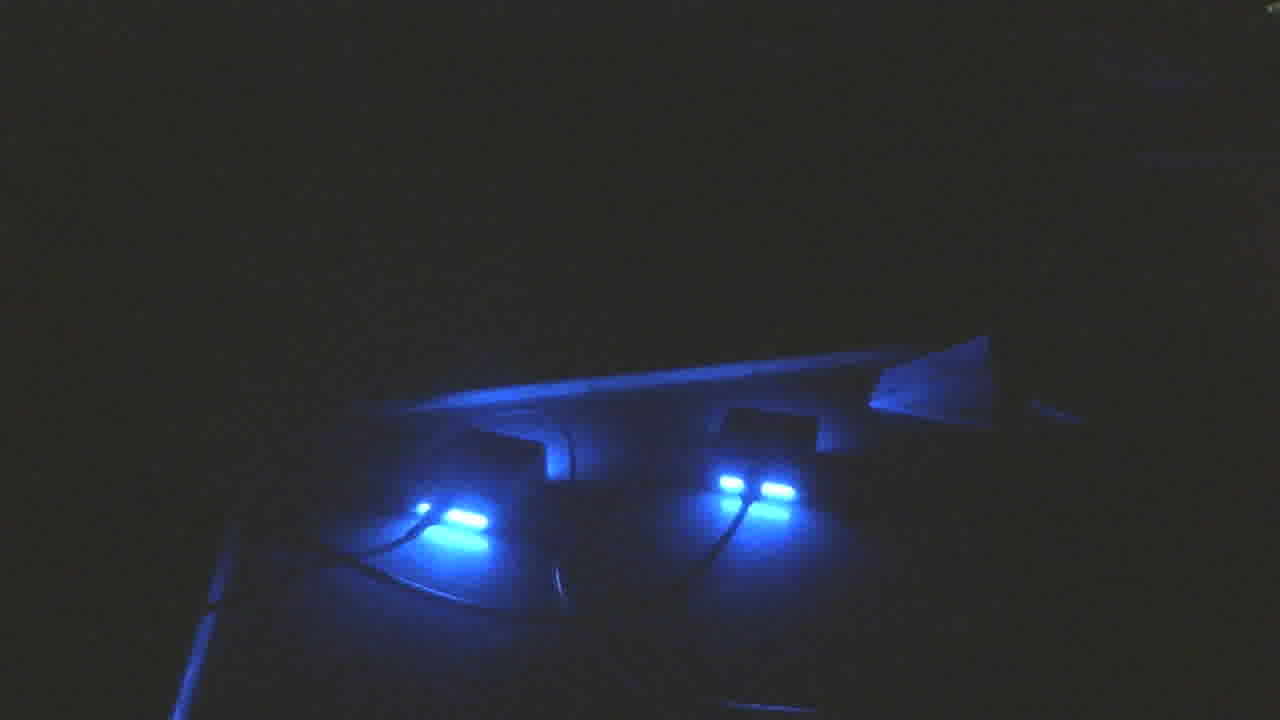
- LED bar. Ten LEDs in the M5GO base show the colour of the current layer.
- Keymaps as code. Layers are written in C++ in the style of ZMK, using HID shortcut macros generated from the USB HID Usage Tables (
kp_A,cp_MUTE,lcs(...),lhyp(...)). - Scriptable. A line-based serial protocol lets a test tool switch pages, tap and press tiles, read the state and take screenshots. Every screenshot on this page came from it.
The two devices
| Core2 | CoreS3 | |
|---|---|---|
| PlatformIO environment | core2 | cores3 |
| Host transports | BLE | BLE and USB (TinyUSB) |
| Paging | Three capacitive buttons under the screen: A previous, B Locks page, C next | On-screen bottom bar: previous, Locks (tap the title), next |
| LED bar | M5GO base, ten LEDs on GPIO25 | M5GO base, ten LEDs on GPIO5 (found with the camera test below) |
| Flashing | CP2104 serial bridge, resets automatically | Native USB; needs a 1200-baud touch to enter the ROM bootloader |
| Screen | 320 × 240, touch | |
Explore
Every page
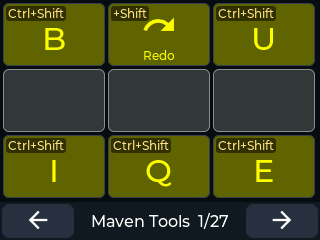
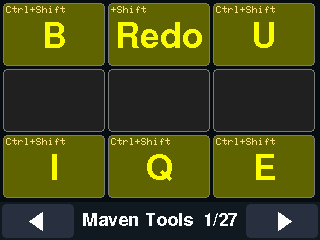
The 26 layers and the Locks page, as the Core2 and the CoreS3 draw them.
Two interfaces
LVGL or the classic direct-drawing interface: the look, the memory and the speed.
Camera tests
A webcam finds the LED bar pin and checks the colour of every layer.
Set it up
What you need, how to build, flash, pair, change the keymap and test it, and how the firmware fits together.
The story
The ZMK keymap behind the pages, and the history of the project.